AI devotional art · English + 6 Indian languages

Your photo,
with Bhagwan

Upload one selfie, pick a template, and Kanik creates a divine portrait or video of you with Hanuman ji, Mahadev, Shri Ram, Radha Krishna and more — ready in under a minute.

Ready in under a minute Photos deleted within 24 hours Cancel anytime
Real results

One selfie. Divine portraits.

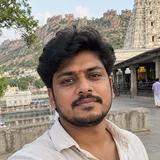
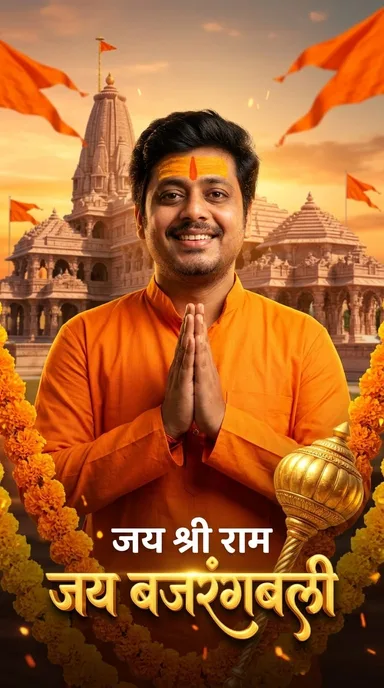
Every portrait below was made in Kanik from an ordinary selfie — the small photo under each one.
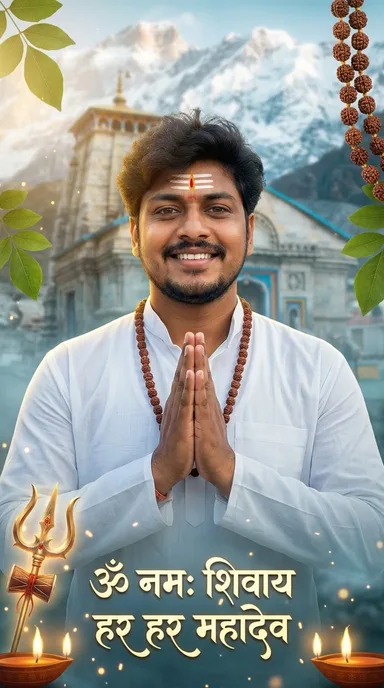
AI portrait of a man with folded hands at Kedarnath temple, Om Namah Shivaya
The original selfie Har Har MahadevMade from this selfie
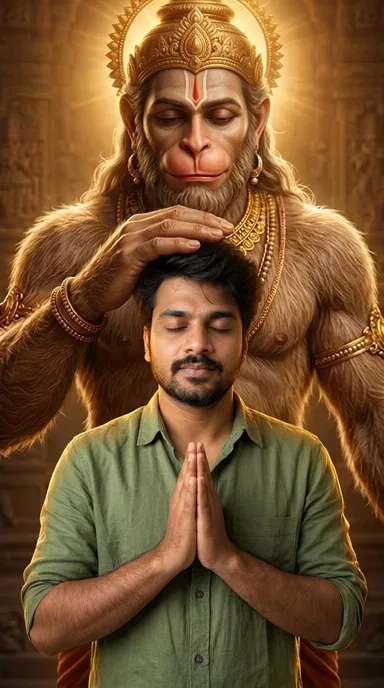
AI portrait of Hanuman ji blessing a man with folded hands
The original selfie Hanuman ji’s blessingMade from this selfie
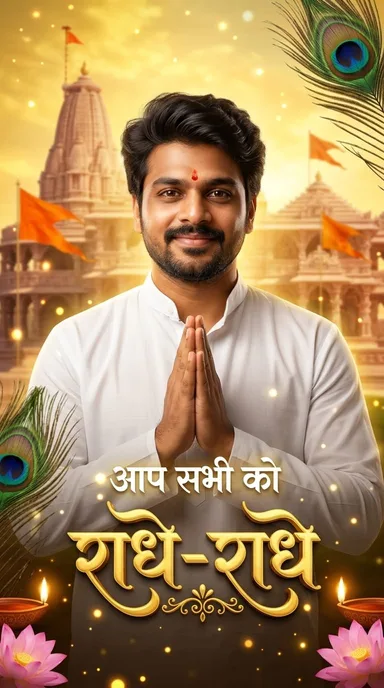
AI portrait of a man in white kurta with folded hands, Radhe Radhe greeting
The original selfie Radhe RadheMade from this selfie
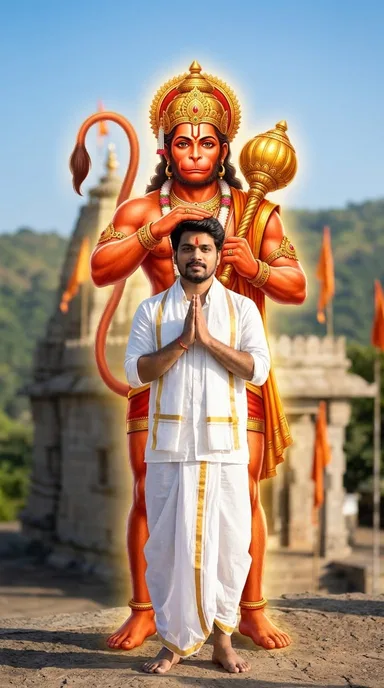
AI portrait of a man standing before Hanuman ji at a temple
The original selfie Jai Bajrang BaliMade from this selfie
AI portrait of a man in saffron kurta, Ram Ram greeting
The original selfie Ram RamMade from this selfie
AI devotional portrait of a man with a Hanuman ji theme
The original selfie Jai Shri RamMade from this selfie

AI-generated images. Every result is unique and may vary.

Why Kanik

Devotion, beautifully made

Studio-quality devotional portraits and videos, without a studio, an editor or any design skills.

One selfie is enough

No photoshoot and no editing. A clear, front-facing photo is all a template needs.

Photos and videos

Divine portraits, and short videos made for WhatsApp Status, Instagram Reels and festival greetings.

Templates for every festival

Hanuman ji, Mahadev, Shri Ram, Radha Krishna and more, with new templates for Navratri, Diwali, Janmashtami and other festivals.

Ready in under a minute

Photos are usually ready in under a minute, videos in a few. Close the app if you like — your creation keeps going.

Private by design

Your photos are deleted from our servers within 24 hours and are never used to train AI. We never sell your data.

Simple, honest plans

Start with a low-cost trial, then weekly or monthly with UPI AutoPay or Google Play. Unused credits carry over. Cancel anytime.

How it works

Three taps to your divine portrait

No sign-up forms and no passwords. Install the app and you're ready.
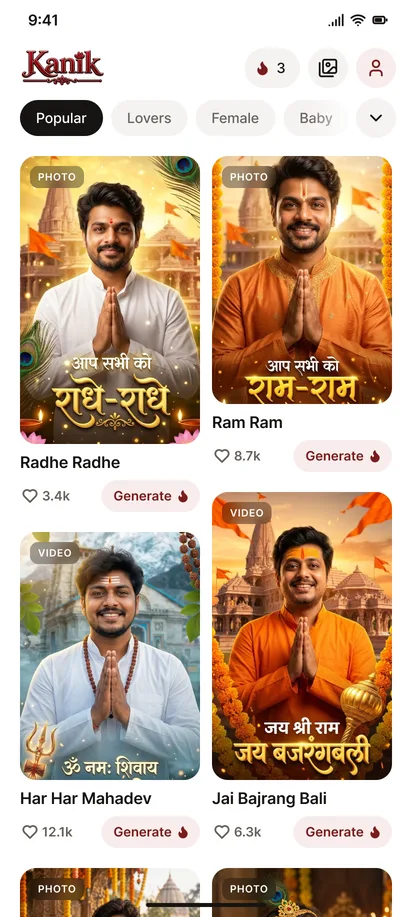
Kanik home screen with devotional templates
1

Pick a template

Browse New, Trending and Popular, or filter by category, and tap the one you love.
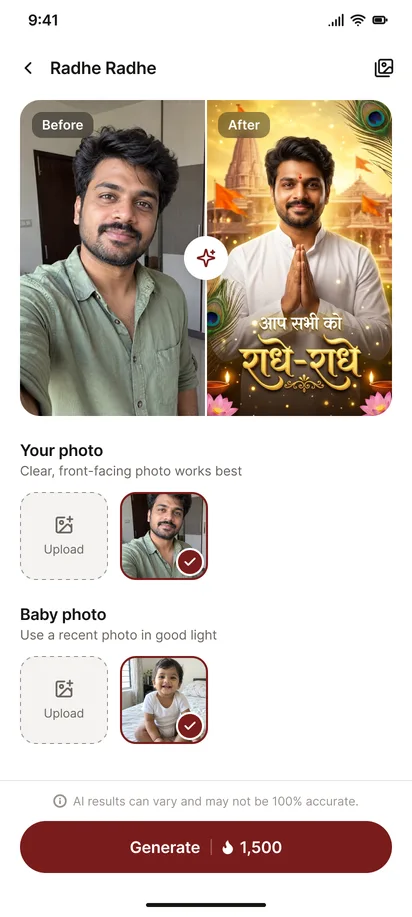
Kanik template screen with before and after preview and photo upload
2

Upload your photo

See the before and after, add your selfie, and tap Generate. The credit cost is shown first.
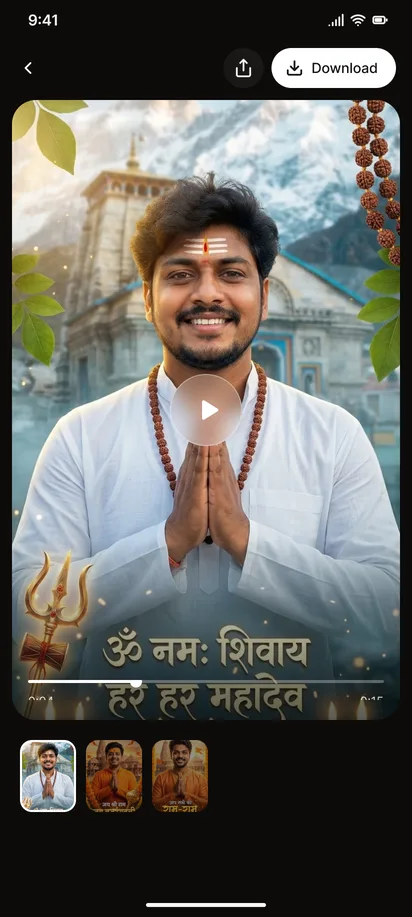
Kanik creation ready to download and share
3

Download and share

Save it to your gallery in full quality, or share it straight to WhatsApp and Instagram.

Made for India

In the language you love

Use Kanik in English or any of six Indian languages — change it any time from your profile.

AEnglishDefault
अहिंदीHindi
ममराठीMarathi
ગગુજરાતીGujarati
অবাংলাBengali
తతెలుగుTelugu
ததமிழ்Tamil
Hanuman jiMahadevShri RamRadha KrishnaLittle KrishnaCouplesBaby photosFestival greetings
FAQ

Questions, answered

How much does Kanik cost?
Kanik is free to download. Creating needs a plan, and you can start with a low-cost trial. Every plan's price, length and credits are shown in the app before you pay, prices include GST, and you can cancel anytime.
What kind of photo should I use?
A clear, front-facing selfie in good light works best — face not covered by sunglasses, a mask or hair. Only upload photos of yourself or of people who have agreed to it.
Are my photos safe?
Yes. Your photos are used only to make the creation you asked for and are deleted from our servers within 24 hours. We never sell your data or use your photos to train AI. Our Privacy Policy explains exactly what we collect and why.
Is the result a real photo?
No — every creation is AI-generated art. Each attempt is a little different and may not look exactly like you. It's made for personal devotion and sharing with family and friends.
What happens to credits I don't use?
They carry over. If your plan ends with credits left, they are added to your next plan when you subscribe again. We guarantee credits for 60 days from when they're added — see our Terms.
How do I pay, and how do I cancel?
Pay with UPI AutoPay from any UPI app (Google Pay, PhonePe, Paytm, BHIM and more) or through Google Play. To cancel, go to Profile → Subscription settings → Cancel plan in the app, or turn off the mandate in your UPI app — step-by-step help is on our cancel plan page.

More answers are on our Help & Support page.

Your first divine portrait is a minute away

Download Kanik, add a selfie, and see yourself with Bhagwan.

Download free onGoogle Play